Latest Project
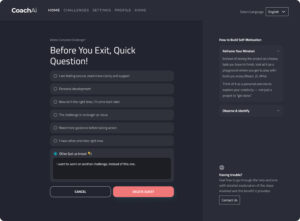
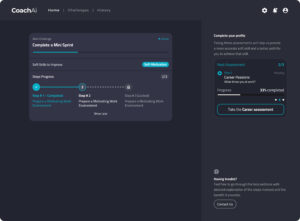
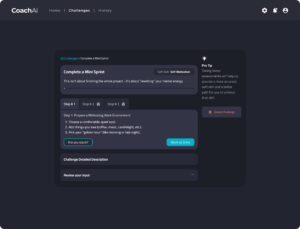
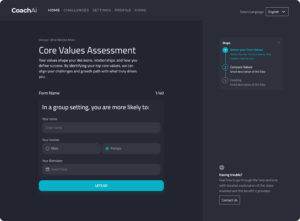
Soft Skill Coach AI App – UI/UX Design
- Streamlined Onboarding & Assessments
- Consistent UI Across Platforms
- Multilingual Support
- Prototype-Driven Usability Testing Sessions
- Developer-Ready Design Assets

Case Study
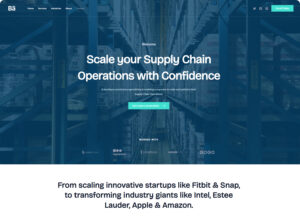
UX-Led WordPress Site for a Supply Chain Consultant
I worked with the client to identify their ideal audience: mid-sized logistics firms and procurement heads. The site was structured around:
- Clear positioning on the homepage with client outcomes
- Service pages designed with scannable content and trust-building cues
- A lightweight consultation funnel to qualify leads
- Responsive, mobile-first layout using a fast WordPress theme
- Content strategy that highlights real-world supply chain issues
- Visitors now “get what she does” within 5 seconds
- Bounce rate dropped by over 30% post-launch
- Client now uses the site as a digital sales tool during pitches
- Several leads came directly via the contact form within the first 3 weeks
Case Study
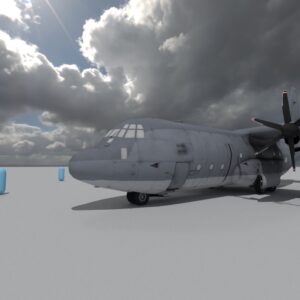
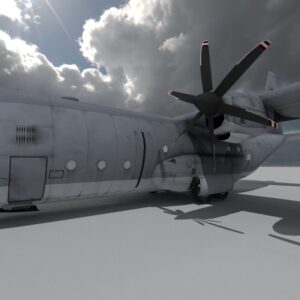
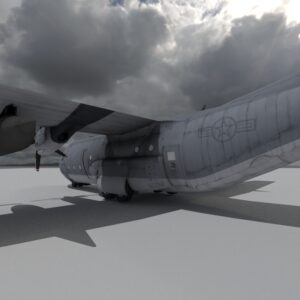
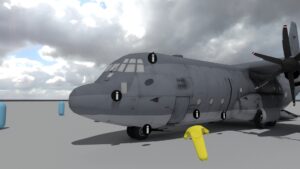
Immersive VR Training for Hercules C-130 Maintenance
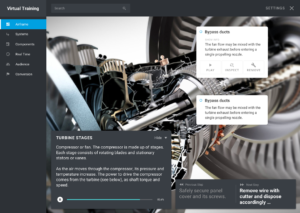
I led the UX direction for a high-fidelity VR training experience, built around realism, clarity, and self-guided learning. The core design goals were usability, system transparency, and intuitive interaction.
- Full-scale 3D model exploration with smooth locomotion for realistic walkthroughs
- Contextual interaction system — any part of the airframe can be selected to display a popup with detailed technical specs and spoken narration
- Dynamic transparency controls — users can reveal internal structures like hydraulics, wiring, and avionics by making the fuselage transparent
- System isolation mode — highlight an entire system and trace how its components connect spatially across the airframe
- Hands-on component teardown — users can open access panels, remove mechanical parts, inspect for faults, and disassemble items virtually for deeper learning
- Reduced onboarding time for new technicians by over 40%
- Allowed trainees to explore scenarios not possible with real aircraft (e.g., teardown without damage)
- Highly rated by instructors for clarity and immersion
- VR environment is now a central part of the training syllabus across multiple bases